sebaro Scanner
On Google Play
Scans paper with your camera and saves it as a PDF in folders.
Screenshots
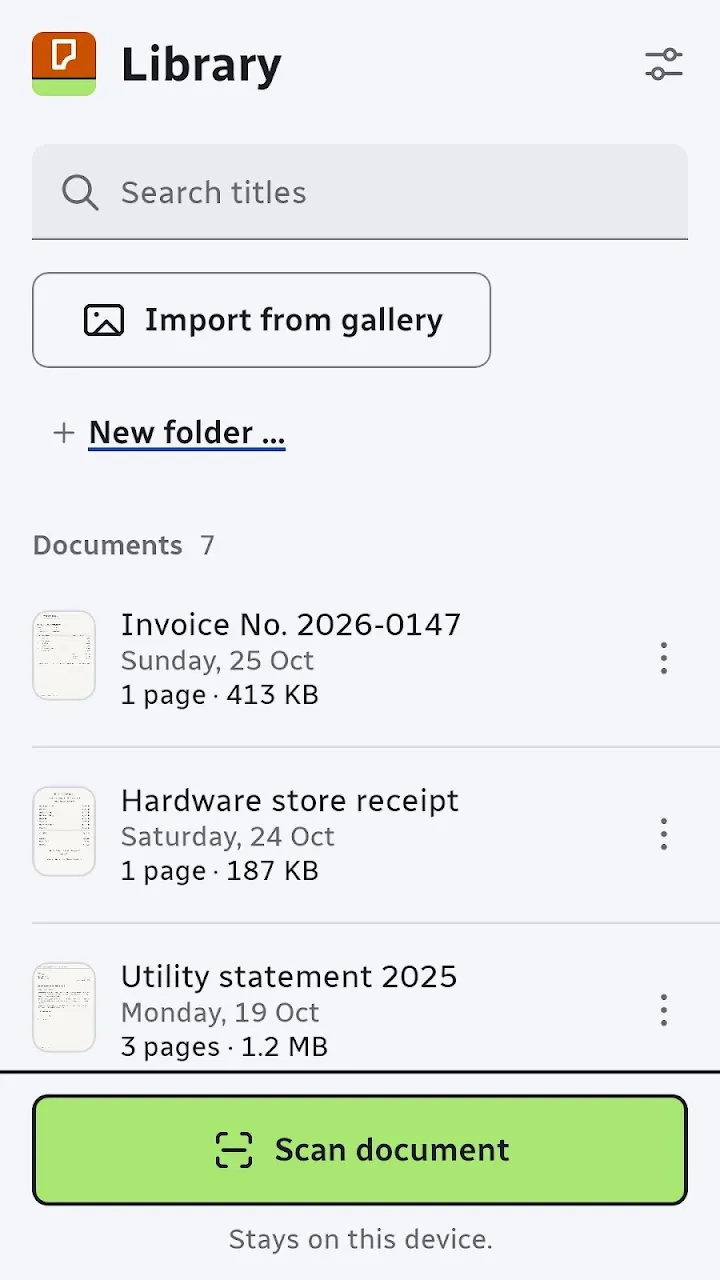
Library with folders 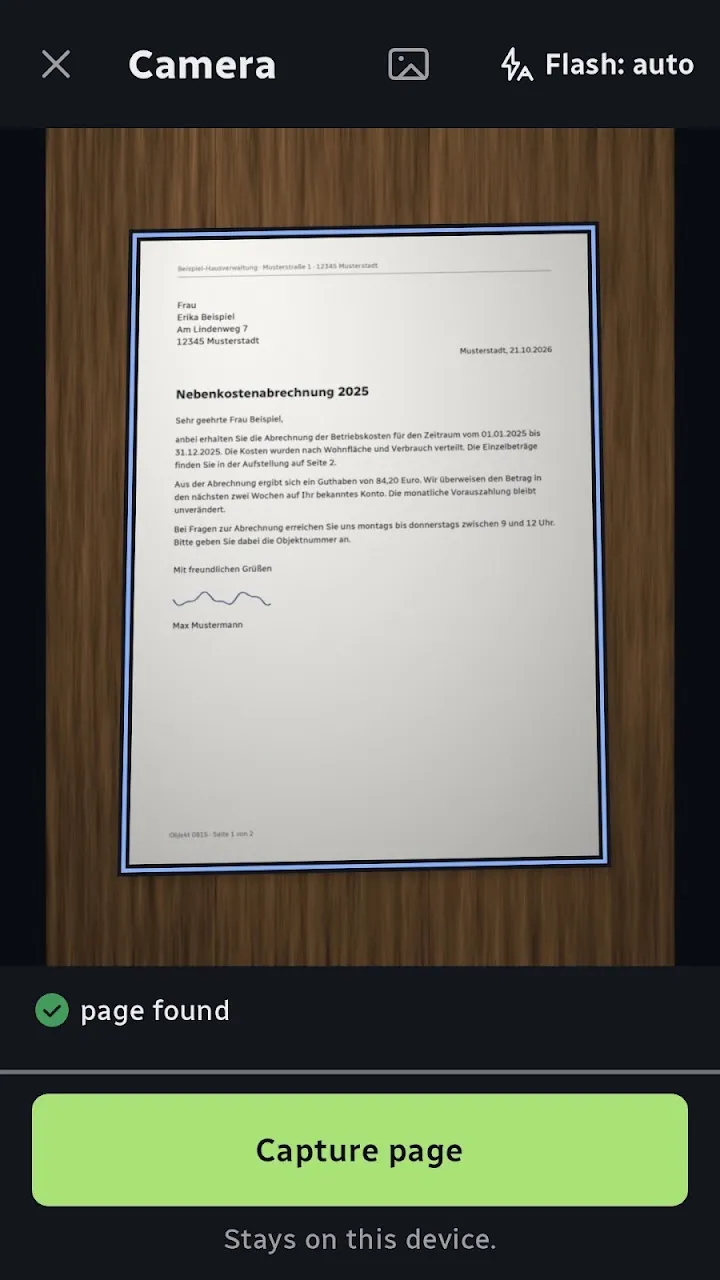
Camera finds the page 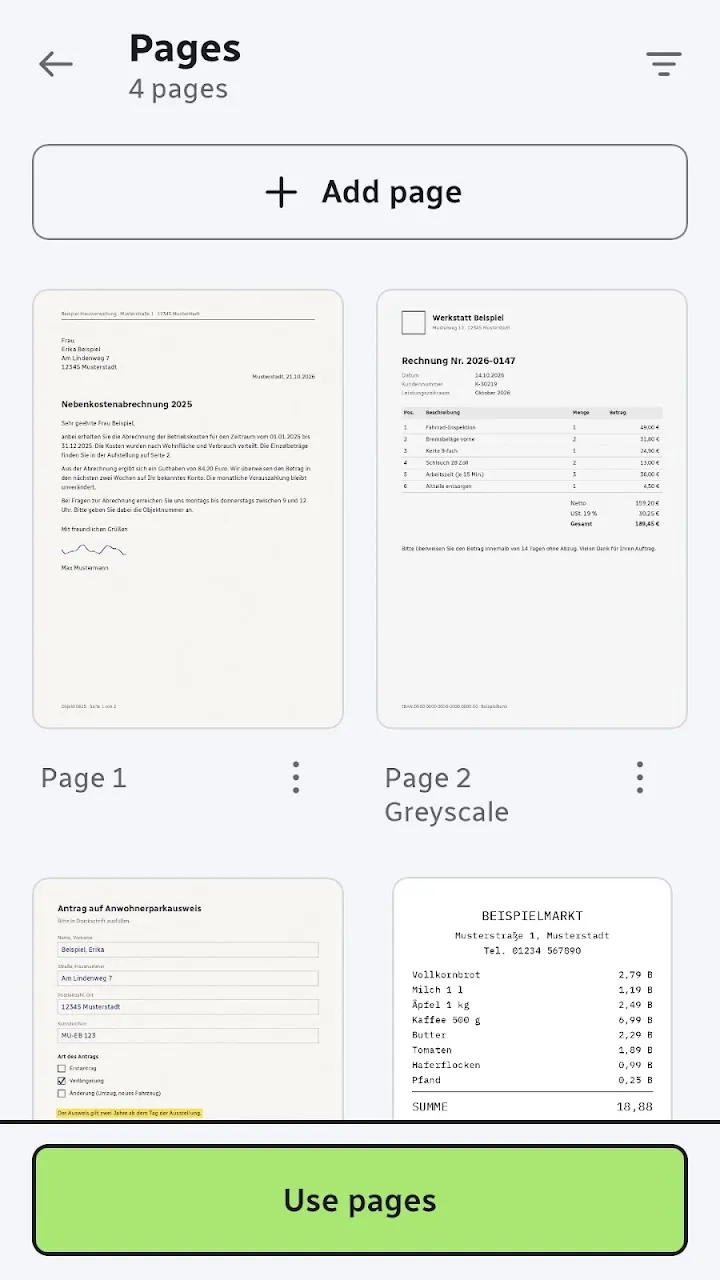
Arrange pages
What the app does
- The camera finds the page, and “Capture page” takes one page after another
- Cropping straightens the page; in “Adjust corners” you drag the corners into place
- Filters “Original”, “Greyscale” or “Black and white”; rotate, reorder or remove pages
- Size Small, Normal or Large, page format A4, Letter or Image size
- Library with folders and search by title
- Text recognition reads the text on your phone and makes the PDF searchable